Rotoscoping, Editing (Week 11)
- # Ngo Huyen Anh
- Mar 27, 2025
- 2 min read

Updated: Apr 12, 2025
Week 11
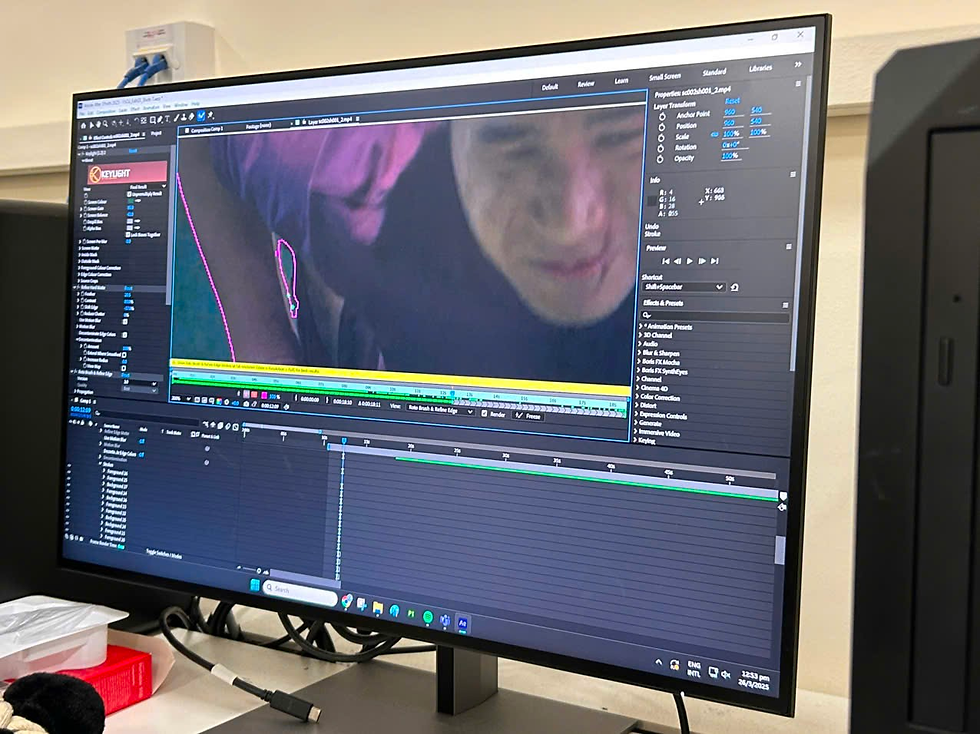
In this week, I edited out the green screen in cg footages by using the Keylight and Refine Hard Matte effects in Adobe After Effects. Most of the mid shots was fine, but the full body ones, especially the ones where the live actor contact with the ground are more difficult. We have to use the Rotobrush to subtract the shadows on the ground and unwanted objects interfering. Some shots, the outline is very shaky and jagged so me and Nara spent a long time to edit and polish it.
The clown's room is finished and was imported into Unreal Engine successfully. Now there's only the objects and decorations left to put in. Some of them we already modelled, some we will download from Unreal Engine store.

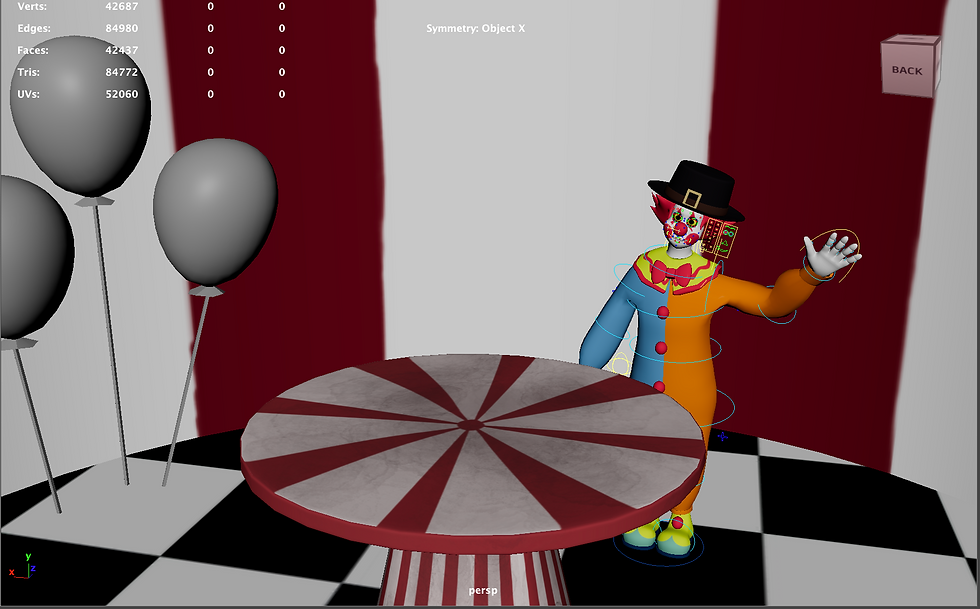


There were some errors with the rig. It wasn't scaling properly, and there were deformations on some parts of Bonzo's body. The errors are mostly from the Advance Skeleton software. Thankfully, our lecturer, Mr. Gary, helped us fix most of them. After that I also double check the rig again and refine, fix weight painting in areas like torso, arms, neck. After this, there was no more problems, and we proceed to do character turntable, rigging reel, and start animating.

For the live action footage, the videos are in a camera which belongs to a person who lives in Punggol. The BM have to borrow his camera since their one's storage are full on the shooting day and they can't transfer all the footages out. Therefore, we have to wait for them to go get the footages. While they're doing that, the animation side will focus on the cg videos, and finishing up the environment and character rig.
In Mr. Alan class, we learnt how to make particles effects, like water fountain and glowing particles. He also taught us on how to set up lighting in Unreal, which will be important for our project.


Comments